
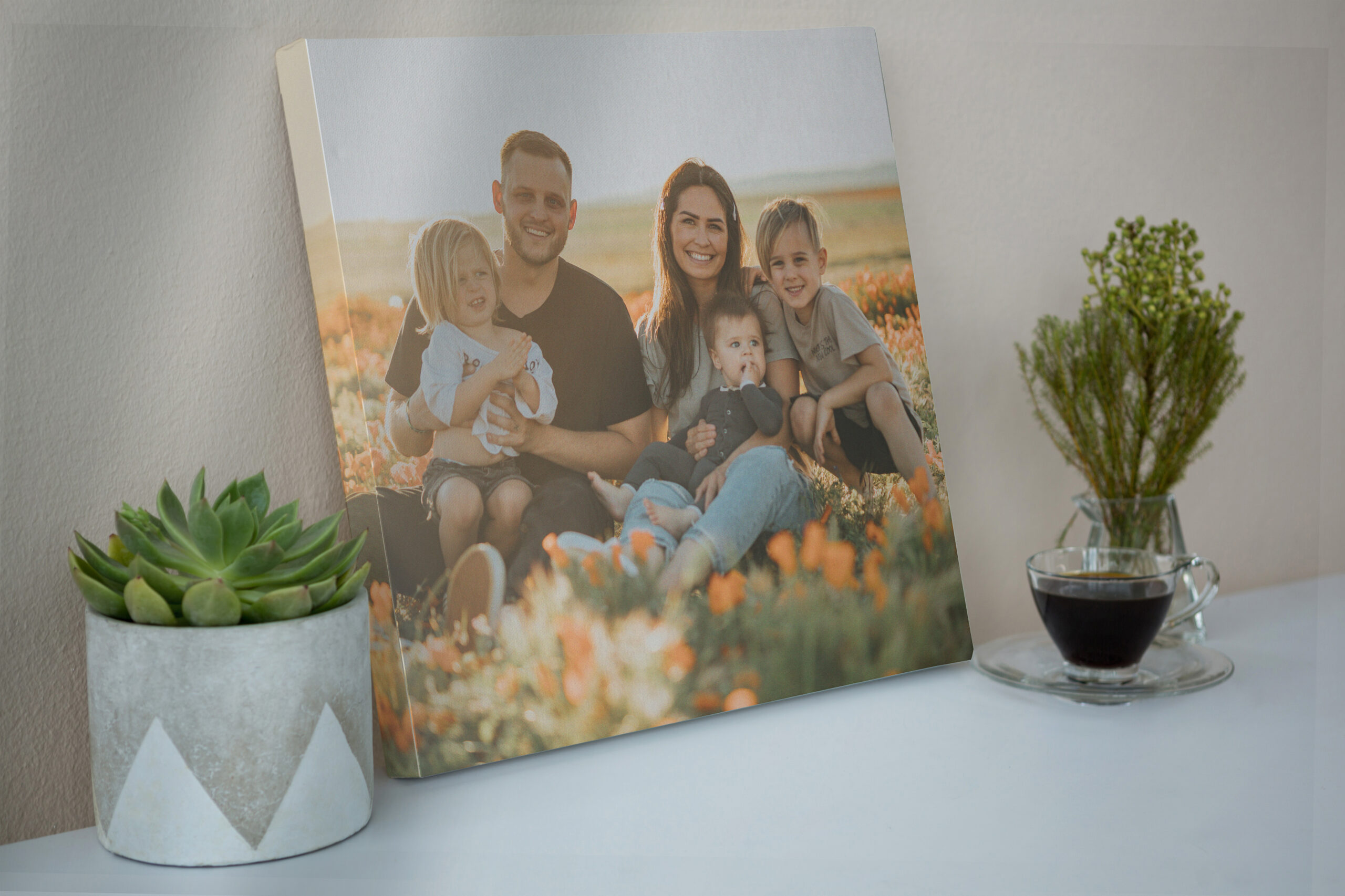
One of the most common things we hear from customers is some version of “I’m not sure if my photo is good enough.” It’s a totally valid concern. Nobody wants to spend money on a canvas print only to end up with something blurry or pixelated on their wall. The good news is that choosing the best photo for a canvas print is easier than most people think, and even if your photo has some issues, there’s a good chance we can fix them.
Here’s everything you need to know before you upload.
Resolution is the single biggest factor in whether a photo will print well on canvas. Resolution is measured in DPI, dots per inch, and for a great-looking canvas print, you generally want your image to be at least 150 DPI at the size you’re printing. Higher is better, but 150 DPI is a solid minimum.
In practical terms, this means:
When you upload your photo on any of our product pages, our system automatically checks the resolution and shows you a quality indicator before you add it to the cart. If there’s a problem, you’ll know right away.
Beyond resolution, the best photos for canvas prints share a few common qualities:
Photos taken in natural light almost always print better than those taken in dim indoor conditions or with harsh flash. Soft, even lighting brings out color and detail that makes a canvas really pop. If you’re choosing between two similar shots, go with the one that has better lighting every time.
A photo that’s slightly blurry might look acceptable on a phone screen, but it becomes much more noticeable when it’s printed at 16×20 or larger. The best photo for a canvas print is one where your main subject is in sharp, clear focus. Artistic blur or bokeh in the background is totally fine; it’s blur on the main subject you want to avoid.
Think about how the photo will look framed on a wall. Photos with a clear subject and some breathing room around it tend to look better as canvas prints than tightly cropped or busy shots. That said, sometimes a tight crop works great; it just depends on the photo.
The canvas prints that end up meaning the most to people are usually the candid ones — a genuine laugh, a quiet moment, a kid mid-jump. Don’t overlook those imperfect but real photos. They often make the best canvas prints of all.
This is where a lot of people get stuck; they have a photo they love, but they’re worried it won’t look good printed. Don’t give up on it just yet.
We use an AI photo enhancement tool that can sharpen and upscale low-resolution images before we print them. It’s not magic; if a photo is extremely low quality, it won’t perform miracles. But for the vast majority of photos that are slightly under the ideal resolution, our AI enhancement does a remarkable job of improving sharpness and clarity.
When you upload a photo, and our system flags a resolution concern, you’ll be given the option to apply AI enhancement before proceeding. It takes a few seconds, and the difference is often significant.
These can be tricky, but they often work beautifully with AI enhancement. The key is getting the best possible scan — if you’re scanning an old print at home, use at least 600 DPI on your scanner. The higher the scan resolution, the better our enhancement tool can work with it.
Social media platforms compress images heavily, which strips a lot of resolution. If you can, go back to the original photo file rather than a downloaded version. If the original isn’t available, AI enhancement can help, but the results will vary depending on how much the image was compressed.
If your photo has a watermark from a photographer or stock photo site, make sure you have the rights to use it before printing. We print what you upload. It’s your responsibility to ensure you own or have permission to use the image.
Not a resolution issue, but a common frustration! Unfortunately, there’s no fix for this one. The best approach is to find an alternate shot where everyone looks good. If this is a recurring issue, it’s worth knowing that burst mode on your phone (holding down the shutter button) gives you far more frames to choose from.
💡 Pro tip: When in doubt, upload it and see what our system says. The quality check is instant and free. You don’t have to commit to anything until you’re happy with it. We’d rather you upload and find out than talk yourself out of a canvas print you’d love.
We’re a small family business in Lake City, Florida. Every canvas is printed and hand-stretched by us, never outsourced. Questions? Contact us.
Sometimes we can’t find exactly what we want. If you don’t see the size you are looking for, we are happy to provide a free quote.
Local Pickup is only available for customers in or around Lake City, Florida.
Are you located in the Lake City area and able to pick up your order?